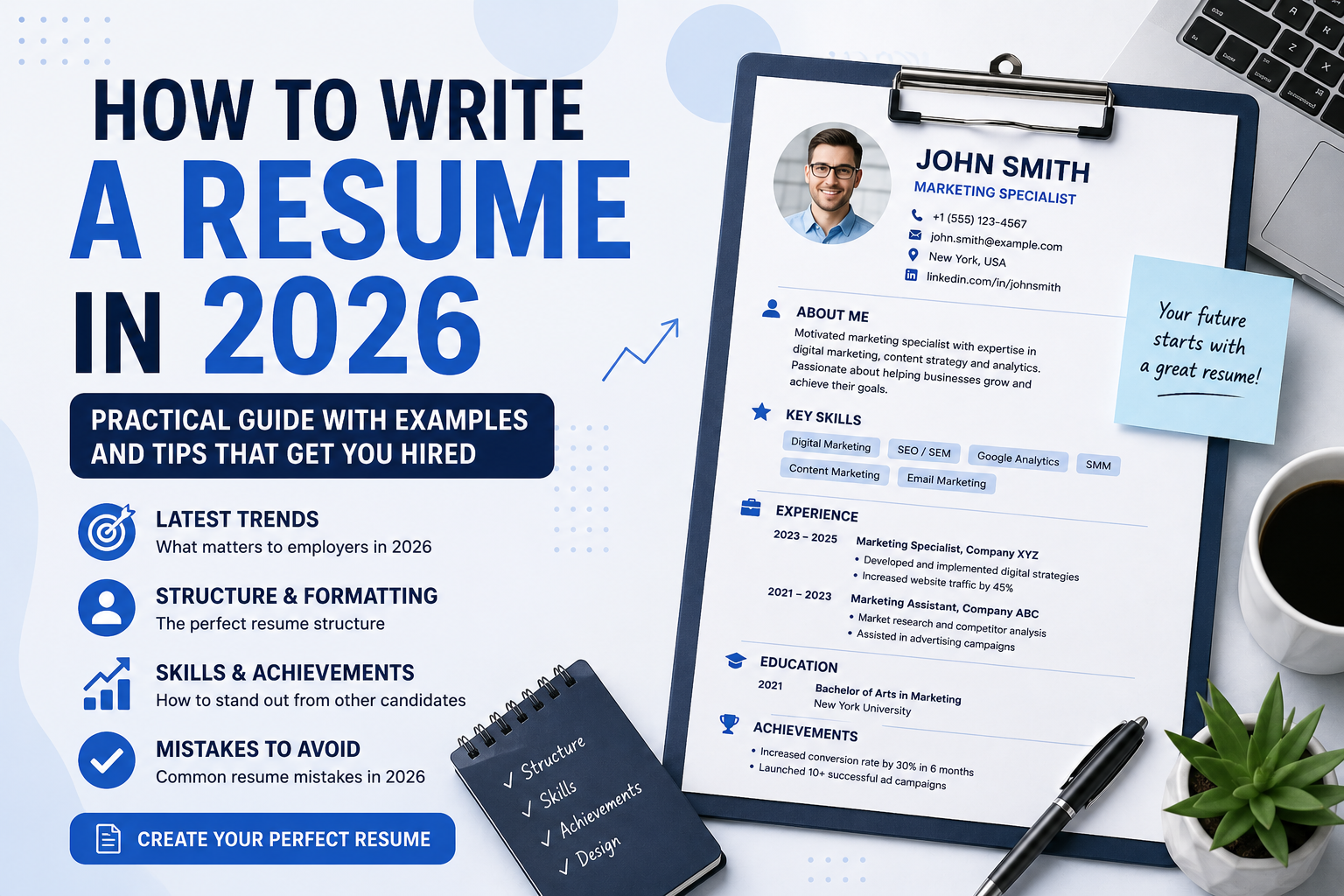
1. Start with Your Name and Contact Information
At the top of your resume include your full name, phone number, professional email address, and city. If you have a portfolio, LinkedIn profile, GitHub, or personal website, be sure to include those links as well.
2. Write a Professional Summary
Briefly introduce yourself as a professional. Two to four sentences are enough to explain your experience, strengths, and career goals.
How to Write the "About Me" Section
❌ Weak Example
I am hardworking, responsible, and a fast learner.
✅ Better Example
Frontend Developer with experience building responsive web applications using JavaScript, React, and Node.js. Passionate about creating fast, user-friendly interfaces and improving product quality.
3. Describe Your Work Experience
List your jobs in reverse chronological order, starting with your most recent position. For each role include the company name, job title, employment dates, and your key responsibilities.
Don't just describe what you did—highlight your achievements and measurable results whenever possible.
Work Experience Example
Many candidates only list their responsibilities. Employers are far more interested in the results you achieved.
❌ Weak Example
Sales Manager
Communicated with customers.
Prepared documents.
Found new clients.
✅ Better Example
Sales Manager — ABC Company
March 2023 – May 2026
- Increased annual sales by 28%.
- Acquired more than 70 corporate clients.
- Improved the lead management process.
- Managed negotiations and maintained customer relationships.
4. Add Your Education
Include your school or university, degree, field of study, and graduation year. If you already have significant work experience, keep this section brief.
5. List Relevant Skills
Focus on skills that match the job you are applying for. A concise list of 8–12 relevant skills is much more effective than a long list of unrelated abilities.
Which Skills Should You Include?
Your skills should always be relevant to the position.
❌ Weak Example
Hardworking
Responsible
Friendly
Fast learner
✅ Better Example
- Google Ads
- Figma
- HTML / CSS / JavaScript
- Adobe Photoshop
- Git
- SEO
6. Check Your Formatting
Your resume should be clean and easy to read. Use consistent spacing, clear section headings, and avoid excessive colors, decorative fonts, or unnecessary design elements.
7. Save Your Resume as a PDF
PDF is the preferred format for sending resumes because it preserves your layout and displays consistently on all devices.
Common Resume Mistakes
- Making the resume too long.
- Using outdated contact information.
- Writing generic descriptions without specifics.
- Using too many fonts and colors.
- Not highlighting achievements and measurable results.
Build Your Resume Today
Resume Pilot helps you create a professional resume, choose a modern template, and download a polished PDF in just a few minutes.
Build Resume